scpmkj@gmail.com
Get A Free Quote


 share
share
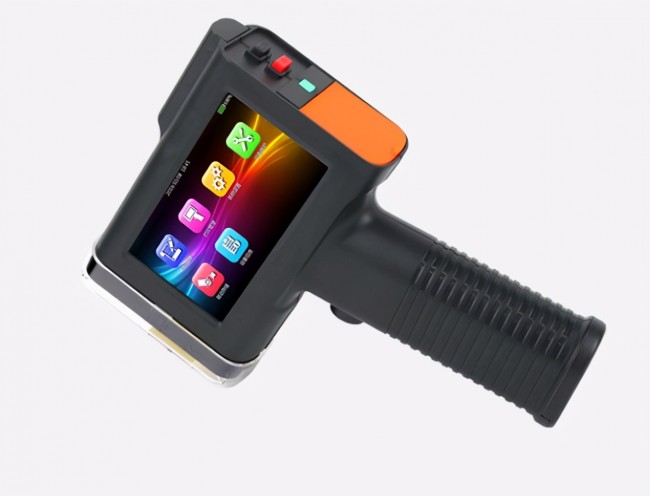
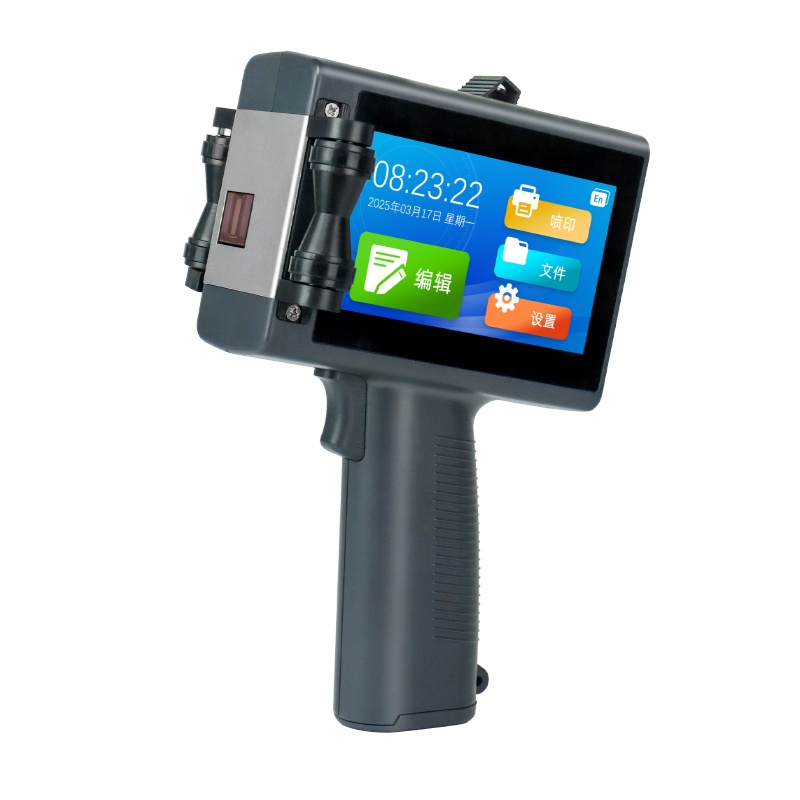
As one of the more common types of coding equipment, handheld inkjet printers are portable inkjet printers that are small, lightweight, portable and simple to operate. Different from online inkjet printers, handheld inkjet printers are suitable for use by processing companies with low production speed requirements, but are not suitable for online use by companies with high spray printing requirements.
With the upgrading and development of handheld inkjet printer technology, the development trend of handheld inkjet printers is increasingly light, compact, functional and information-based. The former allows staff to operate for a long time without being tired. The improvement of the latter's functions, such as the improvement of editing software, can be edited online, which is simple and fast, and can be easily started by even ordinary staff.
However, although the technology of handheld inkjet printers is constantly improving, there will be some problems more or less with the increase of use time, as well as factors such as improper operation or mistakes. In this regard, some technicians suggested that when problems arise, we should "feel the pulse" of the problems existing in the machine according to the situation, find out the reasons, and solve them in a targeted and timely manner.
Problem one is that the device cannot be turned on. Common causes may be dead battery or battery damage, and a few may be caused by poor contact faults. In this regard, the former can be checked and replaced or charged according to the situation.
If the latter is caused by poor contact, it is recommended to first check whether the connection port is connected normally and re-plug the connection. If it cannot be solved, contact the technical staff in time.
Problem number two is that words cannot be spat out. First check whether the climbing ring of the handheld inkjet printer encoder is loose or falls off, and then hang the climbing ring again. Check again whether the handheld inkjet printer ink cartridge has ink. If you have not replaced it with a new ink cartridge. In addition, check whether data is entered. If it is confirmed that there is no data, the user will need to reload the data.
Problem three is that the printing effect is not good. In use, if the handheld inkjet printer appears to have blurred printing information or missing needles, incomplete information, abnormal display, etc.
In this regard, users can first check whether there is any debris on the surface of the machine's nozzle, and please gently wipe it. If the nozzle is dry, drop a little cleaning solution onto the front of the nozzle. Otherwise, replace the ink cartridge or contact the manufacturer for handling it.