scpmkj@gmail.com
Get A Free Quote


 share
share
The handheld inkjet printer does not print codes, and the core reasons are concentrated in three categories: abnormal ink supply, nozzle blockage/malfunction, and equipment setting/operation problems. Specific troubleshooting can be carried out according to the following dimensions:
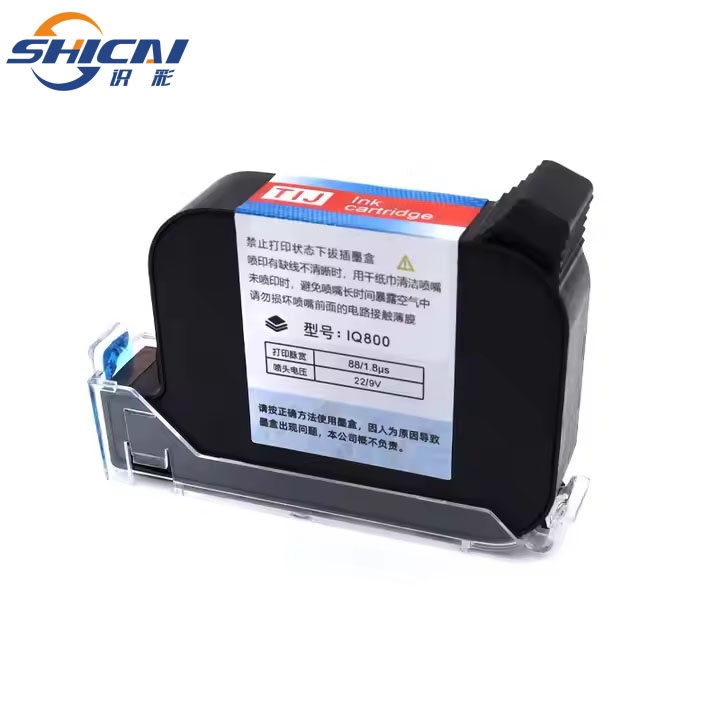
-The ink box/ink bag is empty or not installed properly, resulting in no ink entering the spray chamber.
-Abnormal ink viscosity (such as viscosity caused by low temperature, ink expiration and deterioration), unable to flow normally.
-The ink supply pipeline is blocked or leaking, interrupting ink transfer.
-The nozzle has not been used for a long time, and residual ink has dried up and blocked the nozzle (the most common reason).
-The nozzle is affected by physical collision, wear, or internal component damage, making it unable to dispense ink normally.
-The nozzle protection cover has not been removed, or there are foreign objects (such as dust, ink stains) blocking the nozzle.
-The coding function is not enabled (such as not pressing the "printing" button, accidentally touching pause/standby mode).
-The coding distance is too far (beyond the effective printing range of the equipment, usually requiring 1-3mm close to the object being sprayed).
-Insufficient battery power or poor battery contact, unstable device power supply, unable to drive the printing module.
-Parameter settings are incorrect (such as printing speed, character size settings are unreasonable, or "blank printing" mode is selected).
-Internal components such as the motherboard and printing module have malfunctioned, causing the device to be unable to issue printing commands.
-Loose or poor contact of the connecting wire (such as detachment of the connecting wire between the nozzle and the host).